
Name-Based Case Searches
Kansas CaseSearch is the place to begin. Accept the terms, pick District court, and select Party Name. Smith County is a filter option. So keep the county name out of the name box. Whatever the results show, they reflect only what Kansas law permits online.
Match the format the search expects. A comma can separate surname from given name, and an asterisk widens a partial query. Common names call for a date or case-type filter. Date of birth is there to narrow results, not to copy or publish.
- Open CaseSearch and accept its public-access terms.
- Select District and the right party or business mode.
- Enter the name and choose Smith County.
- Add case type or filing dates if needed.
- Complete the human check and open the matching record.
| Field | Type | Required | Use |
|---|---|---|---|
| Court | Select | Yes | District for Smith trial cases |
| Search Type | Select | Yes | Case, party, business, or citation |
| Search Term | Text | Yes | Format follows search type |
| County | Select | When shown | Smith County, code SM |
| Filters | Panel | No | Type, DOB, file dates |
Smith County Portal Controls
The portal's search routes are several. Case Number, Party Name, Business Name, Party As Business Name, and Citation Number are the options. Pick the narrowest key you actually know. A citation goes in Citation Number, not under a guessed case category. Additional filters cover Criminal, Civil, and Probate or Mental Health.
Search submits the query. Reset just clears the form; it touches no case. A human check may pause repeated requests. In that case, retry in a normal browser, use the court terminal, or ask the clerk. The Smart Search guide walks through wildcards and filters. The live portal has shifted during transition, though.
Case Number Searches
Nothing beats a full case number as a search key. Smith switched to Odyssey format on July 11, 2022. A newer number looks like SM-2026-CR-000001: SM marks Smith County, the year marks creation, CR is the type, and six digits form the sequence. An older number may resemble 2022-CR-000001. Copy punctuation straight from a notice instead of rebuilding it.
Type filters cover CR criminal, CV civil, FAM family, and PR probate or mental health. There is no separate traffic filter. For traffic, start with Citation Number or the exact case number. An old number that fails deserves a call to the Smith County District Court clerk. The clerk can say how it carried into Odyssey.
When Smith County Results Go Blank
A blank screen does not mean no case exists. Something small usually explains it. The docket search may be pointed at the wrong jurisdiction, a municipal case may still sit with the city court, or a name may be spelled differently in the filing. Rule 22 can also keep a Smith County case off the online docket. Brand-new filings wait for clerk processing before they appear. Confirm the court and county, then search again with the exact case number.
Best fallback: use the Smith County courthouse public terminal, then request the precise event or document from the District Court clerk.
Kansas keeps public terminals that may show information missing from the web. City ordinance matters remain with the issuing municipal court. Federal cases run through PACER, the separate federal route.
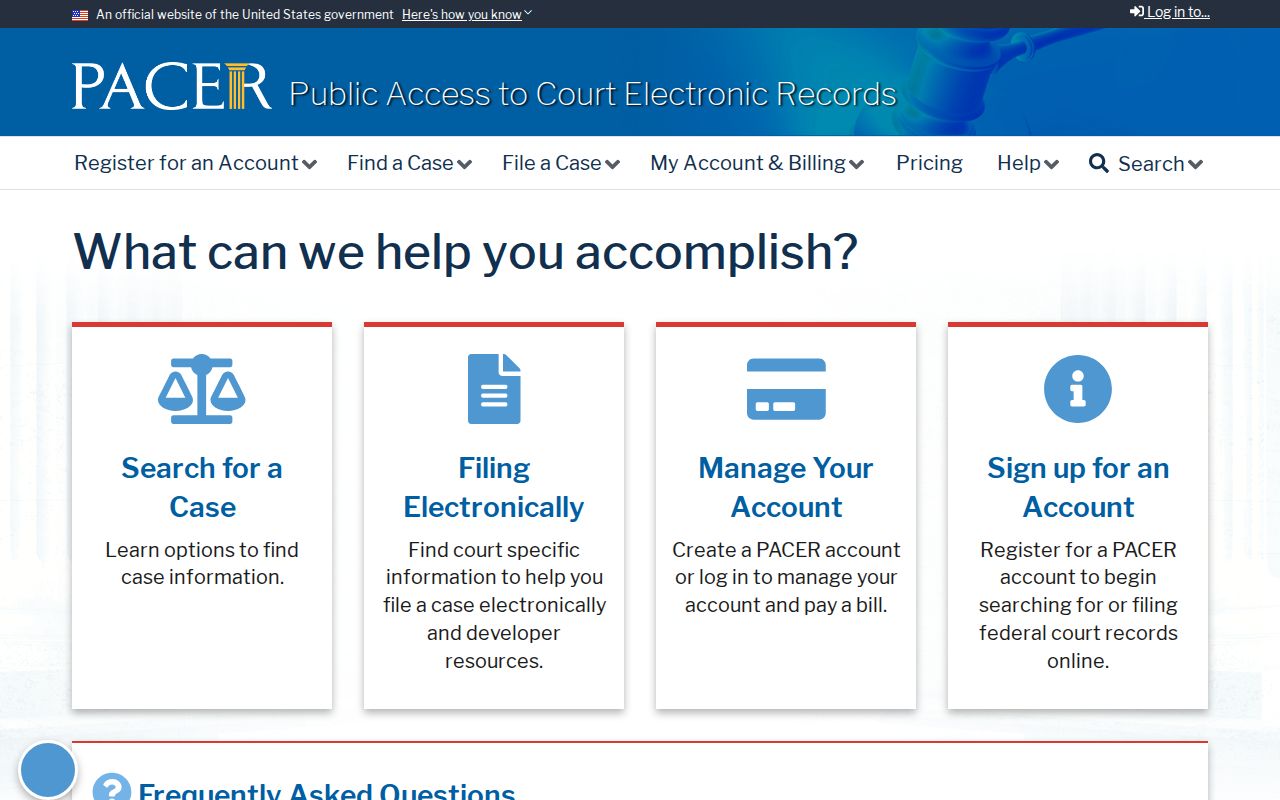
This division prevents a Kansas state search from being mistaken for federal docket access.
Case Search Results Explained
A Smith County result can surface a lot. The court, number, type, filed date, status, public parties, attorneys, judge, and hearing dates may all appear. The events index tracks activity in time order, from filings and settings to orders, dispositions, payments, or appeals. Wording carries the meaning here. A motion-filed entry is a request, never a ruling that it was granted.
| Case number | Unique identifier, often with SM on newer cases |
|---|---|
| Case style | Public caption allowed online |
| Case type | Criminal, civil, family, or probate and mental health |
| Filed date | Date the case entered the record |
| Status | Current label read with later events |
| Events index | Chronological filings, hearings, and orders |
| Setting | Date, time, judge, place, and type when public |
The portal does not provide free downloads of named Smith pleadings or exhibits. For copies or certification, use the Smith County court case records route.
Smith County Account Access
The current portal shows Account, Log in, and Register alongside basic public search. Older instructions describe registering for Smart Search. Trust the controls on the live screen rather than assuming guests can reach every feature. Kansas has kept changing interfaces during its eCourt rollout. So the screen and the older guide are not one fixed workflow.
An account does not override Kansas Rule 22. Internet access may be narrower than terminal access. Portal terms say the display is public information, not the official record. Registration cannot unlock sealed material, and it does not turn eFlex into a search tool. Logging in makes nothing certified, either. When a Smith County docket search must prove a judgment, disposition, or filing, rely on the signed document. A clerk-certified copy also works.
File-date filters help repeated work stay reliable. Note the chosen Smith County filter, search mode, spelling, and date range each time. If the same query returns something different later, compare the events index. Ask the clerk about recent processing instead of assuming the earlier result was final.
Two Ways to Search: County and State
Smith County runs no separate public district database. CaseSearch is the statewide online layer, with Smith chosen as the filter. For missing documents, older files, and certified copies, the local alternatives are the clerk and the courthouse terminal.
| Channel | Coverage | Best use |
|---|---|---|
| CaseSearch | Public district and appellate data | Name, number, business, citation |
| Courthouse terminal | Broader public electronic access | Material absent online |
| District clerk | Official Smith case file | Copies, certification, old files |
| Municipal court | City cases | City-issued citation |
Smith County eFlex Boundary
Kansas Courts eFiling through eFlex serves attorneys and other authorized filers. It requires a user name and password. It is not the public Smith County events index. Think of it as a submission channel, not a lookup tool. A filing appears publicly only after the clerk accepts it. Even then, the place to read public case information is CaseSearch, the courthouse terminal, or a records request. So submitting a document never guarantees it is in the public events index yet.
That distinction saves people from a common dead end. You do not need a filer login to confirm a hearing or browse public events. The Kansas new-civil-filings service is likewise about intake, not case research. A self-represented filer should follow the District Court's filing directions for submissions. CaseSearch is for reading only.
Which Cases Stay Restricted
Rule 22 sets the outer limit on what appears online. Sealed records, confidential material, certain juvenile information, and protected personal data can be left out or redacted. A statute or court order can restrict other items too. An expungement can close off access too. A gap in the data proves nothing about whether a case existed.
So ask a different question. Can a public portion be inspected at the terminal or produced with redactions? The clerk cannot hand over sealed content just because someone asks. Municipal files belong with the city courts. Federal files live in federal systems, not in Smith County's records.
Need something binding? Get the signed or certified document from the clerk who keeps the original Smith County file. A docket entry is still useful. It traces what happened and when. It may leave out the court's reasoning or parts of an order.
Sometimes a Smith County record is public in one part and protected in another. Request the segregable public portion. Redaction keeps lawful access intact while shielding the restricted facts. If the clerk denies a request in writing, that ends the exchange. The denial should name the authority it rests on.
Smith County Filing-Date Filters
A file-date filter turns a broad Smith County docket search into something you can repeat. Start with no dates at all when the year is a guess. Too many matching names? Add a range pulled from a notice or a known filing. Write down the search mode, the county selection, the spelling, and the range. A later docket check then runs on the identical inputs you recorded. On the current form, look under Additional Search Filters. File Date From and File Date To sit there.
A date range narrows results. It never proves the case saw no activity outside those dates. Open the matching case. Read its full public events index. Sparse internet record on an older matter? Try the legacy case-number format first, then the courthouse terminal. This approach cuts false matches. It also keeps the query's honest limits in view, and it helps when two people share a name but filed years apart.
Do not swap a DOB for file dates unless results need sorting apart. Rule 22 caps what personal information shows up anyway. The aim is the correct public Smith County case, not a harvest of protected data.