
Smith County Civil Docket Searches
A docket search opens at Kansas CaseSearch. Pick District and then Smith County. A full case number is the surest route, but Party Name works for a person, and Business Name and Party As Business Name fill different indexing roles. Under Additional Search Filters, choose Civil, Family, or Probate or Mental Health as the case requires. File-date fields help when a name is common.
- Accept the portal terms.
- Select District and Smith County.
- Choose the exact name or number search mode.
- Add the proper civil category and date range.
- Open the matching case and read events in order.
Nothing showing up? Try the courthouse public terminal, call the District Court clerk at 785-282-5140, or send a written Kansas court-record request. A blank docket search can mean access restrictions, older documents, a spelling problem, or simply the wrong court.
Smith Civil Search Categories
The portal splits records into Civil, Family, and Probate or Mental Health. Those filters are not interchangeable. Regular civil, limited civil, and small claims all stay District Court records. Even a district magistrate judge handling them changes nothing. Kansas has no separate Smith court with a copied dollar-limit rule. Leave other states' county-court limits out of your case lookup.
| Filter | Best fit | Access caution |
|---|---|---|
| Civil | Contract, property, tort, limited civil, small claims | Some images may be terminal-only |
| Family | Domestic and family categories | Rule 22 restricts many records |
| Probate or Mental Health | Probate, guardianship, care-related categories | Access varies by case and document |
Search under the category actually filed. Forcing a family or probate case into the ordinary Civil filter will only hide the record you want.
Civil Dockets: What They Show
Kansas draws a line between case information and court records. The first covers the number, category, parties, attorneys, judge, dates, and the events index. The second holds the petitions, answers, motions, orders, judgments, and other filings behind those entries.
| Header | Smith County, case number, type, filing date, status when shown |
|---|---|
| Parties | Plaintiff, petitioner, defendant, respondent, business, and attorney roles |
| Events | Filings, service, answers, motions, orders, settings, and judgment activity |
| Settings | Hearing date, judge, place, and type when public |
| Documents | Links only where electronic public access is allowed |
A business-name match alone tells you nothing about that entity's role. Open the case and read the party label. An entry reading "motion filed" is a request, not a ruling.
Smith Civil Portal Limits
Official Kansas district-court records guidance lays out why the portal and the courthouse terminal are separate access channels.
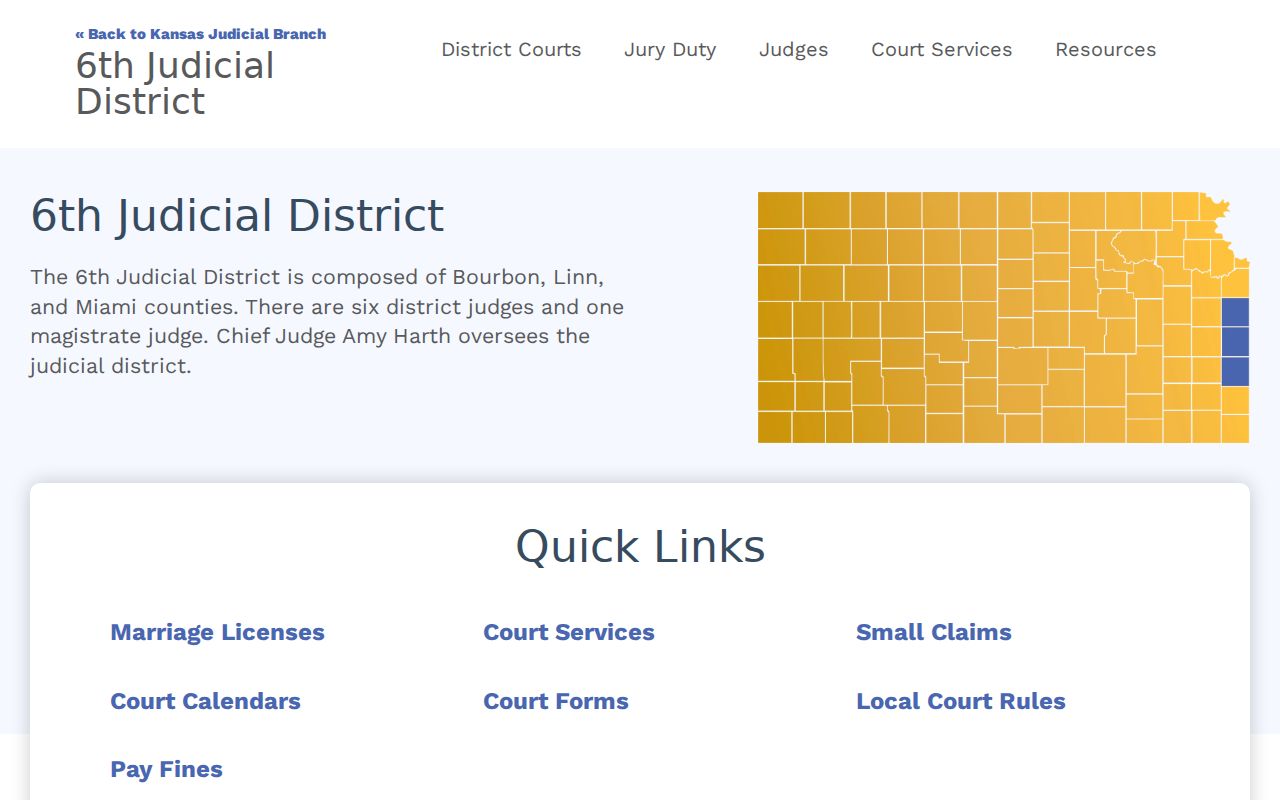
One distinction matters most here. Internet case information can be incomplete even when lawful public material exists on the terminal. When a document is missing online, request it from the Smith District Court clerk by exact name and event date.
What Cases Fill the Civil Docket
Smith County District Court handles regular civil, limited civil, domestic, small-claims, probate, and related matters. The state portal publishes no local dollar-threshold chart. Another state's county-court limits simply do not apply to a Smith County docket search. Assignment to a district magistrate judge does not create a separate portal either. City ordinance matters stay with municipal courts. A municipal appeal can later draw a Smith District Court number. Federal claims and bankruptcy run through entirely different systems. The U.S. Bankruptcy Court for Kansas site covers that separate federal process, outside CaseSearch.
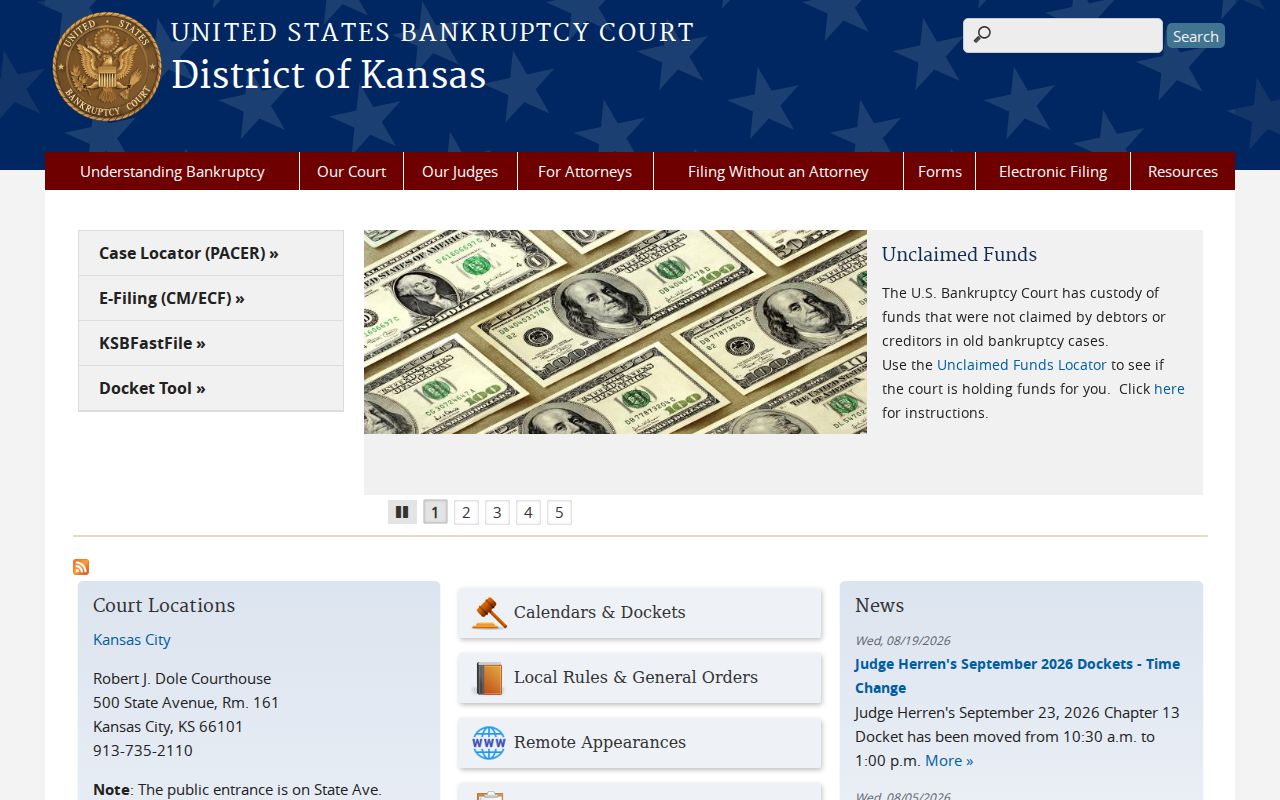
For those files, use PACER or the proper federal court. Never merge a federal result into the Smith County civil docket.
Smith Civil Filings and eFlex
Two Kansas tools serve filing rather than public viewing. One is the new-civil-filings intake page; the other is Kansas Courts eFlex. Neither is a docket viewer. Attorneys and authorized filers submit through eFlex. The public relies on CaseSearch for permitted case information. The official Kansas Courts eFlex entry screen shows what filers actually face.
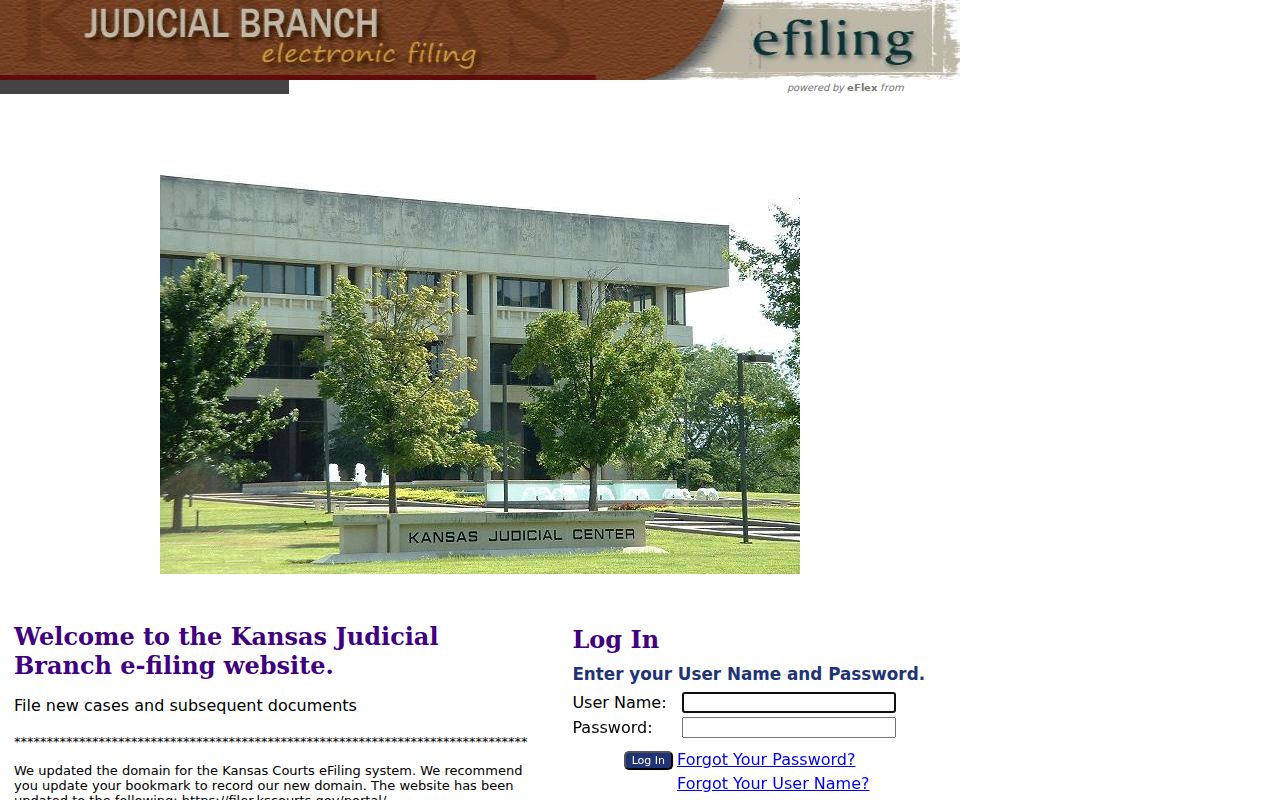
An accepted filing must still land in the court record first. Only then can the public events index describe it. A submission screen proves neither a judge's ruling nor service on the other side.
Hearings on the Civil Docket
A civil court docket can list status conferences, motion hearings, pretrial settings, and bench or jury trials. Later judgment proceedings appear too. Service-return and answer events come first. Motions and discovery notices may follow in order, yet the index is not a full discovery file. Check every setting against the latest order. A continuance can leave an old court date sitting in the history.
- Service return
- A record of process activity, whose exact effect depends on the return.
- Motion
- A request for court action.
- Default judgment
- A judgment entered after the recorded default process.
- Garnishment
- A post-judgment process, not a new civil case.
A judgment amount or balance should be confirmed against the current clerk record.
Smith Civil Events Need Context
Read the civil events index in sequence. Confirm the filing date and case type before anything else. Then tell the petition apart from service and an answer from an order. A filed motion is not its later decision. Weigh each court setting against the newest notice. At the end, separate the judgment from the abstract, garnishment, execution, satisfaction, or appeal entries that follow it.
Key distinction: A docket event tells what entered the index. The petition, return, order, or judgment supplies the actual text.
When an event is visible but its document is not, request that exact item. Hold off on describing a person or business's position until the public party role is clear.
Who Can See Civil Dockets
Access to Smith County civil dockets follows a two-tier system set by Kansas Rule 22. For most public cases, index details are open. You can pull them up on the court docket from any computer. Anything beyond that, you may have to read at a terminal inside the courthouse. Sealed and confidential records stay closed. That holds no matter which route you try. Dockets involving family law, adoption, guardianship, care and protection, juvenile matters, or mental health carry extra restrictions. Treat those case files with care.
The state statute behind these access rules is K.S.A. 45-218. It spells out who may inspect public records. It also sets how fast an office must respond to a request.
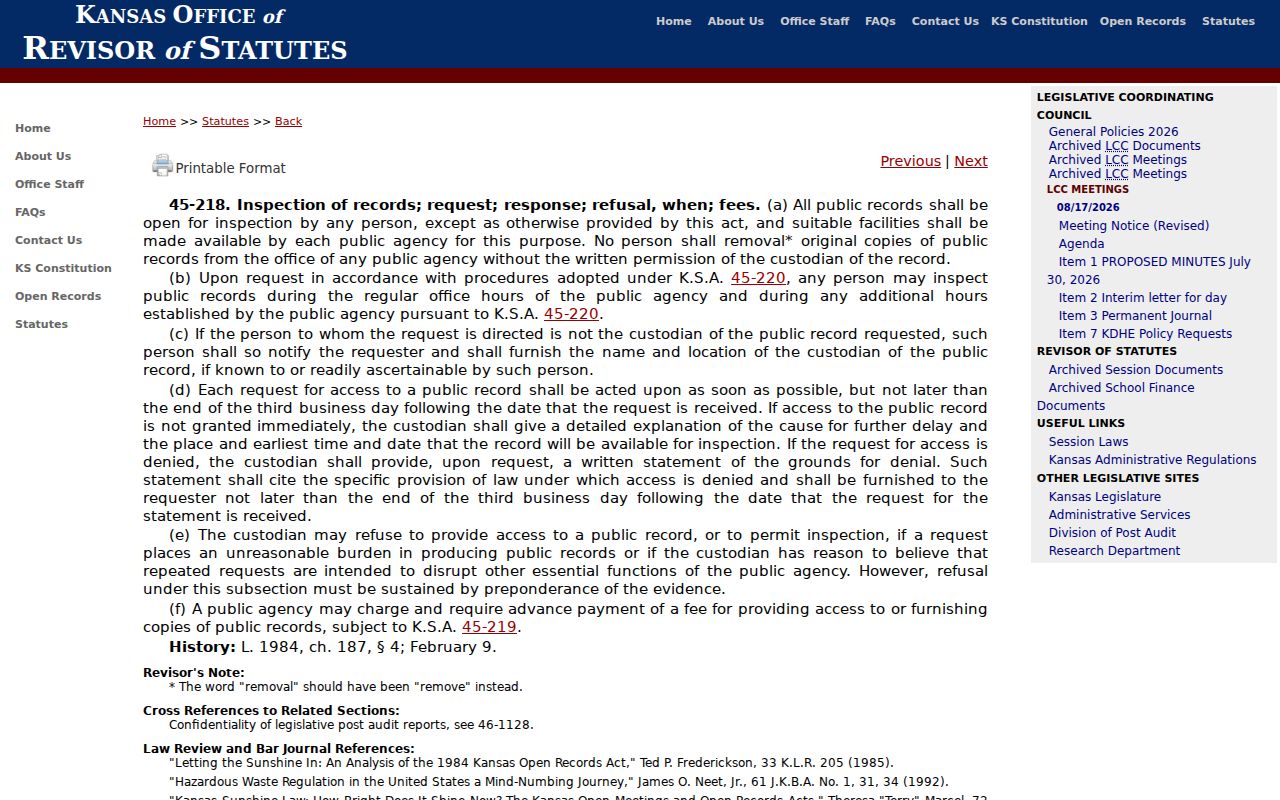
The records custodian may need enough detail to locate a file and may withhold material under a statute, rule, or order. It is fair to ask whether open portions can be split from exempt content.
Smith Civil Record Requests
Use mail for a civil court record request. Address it to the Clerk of the District Court, 218 S. Grant, PO Box 273, Smith Center, Kansas 66967. List the case number and the date. Add the document or event you need, a delivery choice, and your contact details. Ask for a cost estimate first. The 17th Judicial District accepts requests by mail, fax, and in person. Smith fees should be confirmed with the clerk before you send payment.
Know which office holds what. The elected Smith County Clerk keeps county-government records, not civil court files. Court reporters hold transcripts. City ordinance files sit with the city clerk. Routing a request to the right office saves days of delay. A blank search result is not the last word on a dispute either. Municipal appeals get new numbers in District Court, and federal civil and bankruptcy records stay outside CaseSearch entirely.
For an older Smith County civil docket, start with the index even when no image shows. The public terminal at the courthouse can hold lawful material that never reaches the internet. Name the specific items in a written request. Examples include the petition, a service return, a motion, a signed order, a judgment, or a post-judgment filing. Asking for every page runs up cost. The clerk can quote the price and explain the delivery options. If a filing is partly exempt, ask whether the public portions can be pulled out on their own.
A broad party-name search needs narrowing. Go back to the current portal. Add Smith County, the right category, and a file-date window. Check party roles before picking a match. A plaintiff, petitioner, defendant, respondent, or business can share a name with someone unrelated. The index finds the file; the filed pleading and signed order tell you what actually happened. Note: a free portal result is a public reference, while a certified copy is the clerk-authenticated court record.